

Set Up a Scheduled Task
KroWork allows you to set a recurring schedule and automatically run tasks. It can automate repetitive work such as data scraping, content sorting, file generation and archiving. It removes manual repetitive operations and improves efficiency in daily office work and data organization.
Step 1: Enter your scheduled task instruction
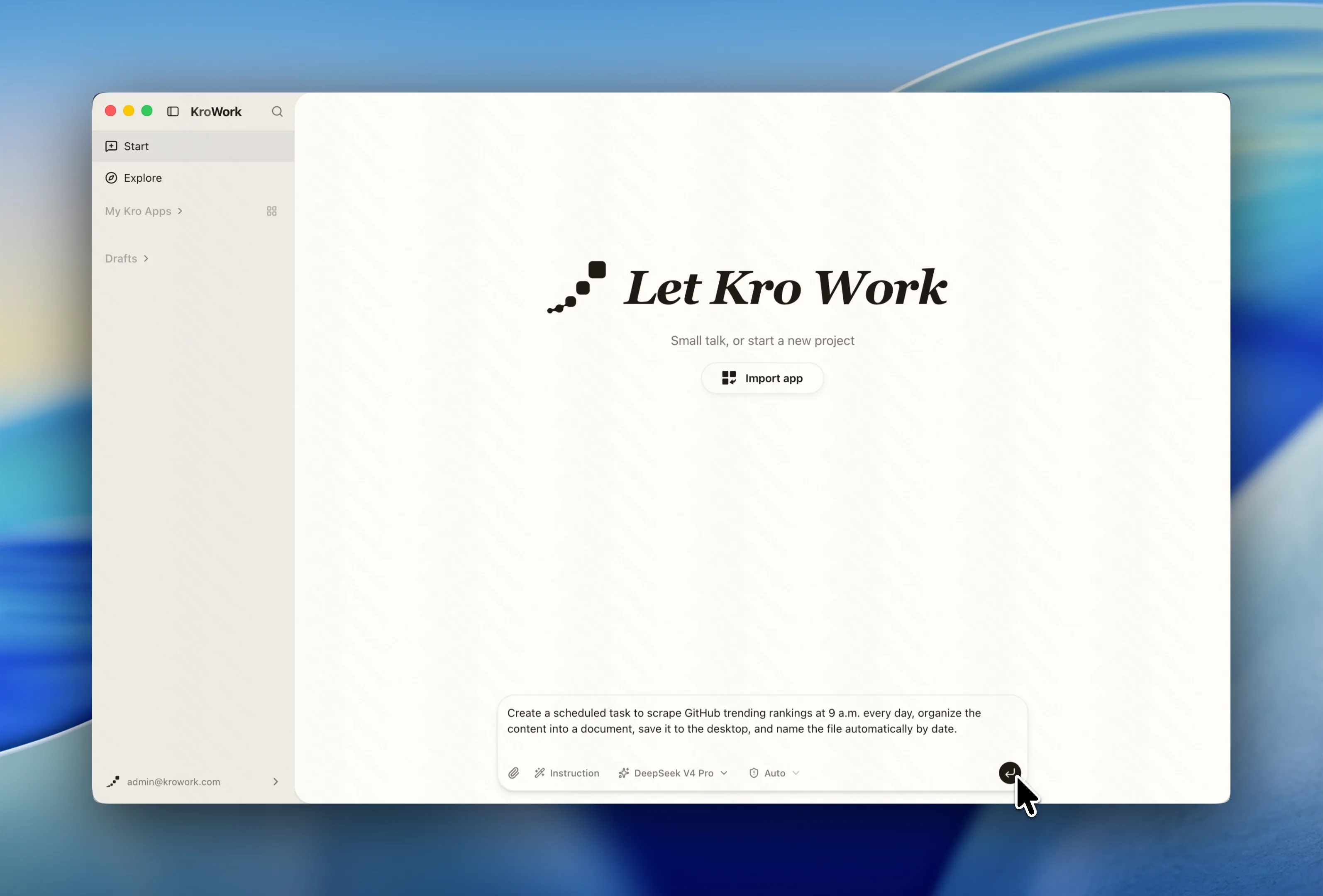
Clearly describe your scheduled task requirements.
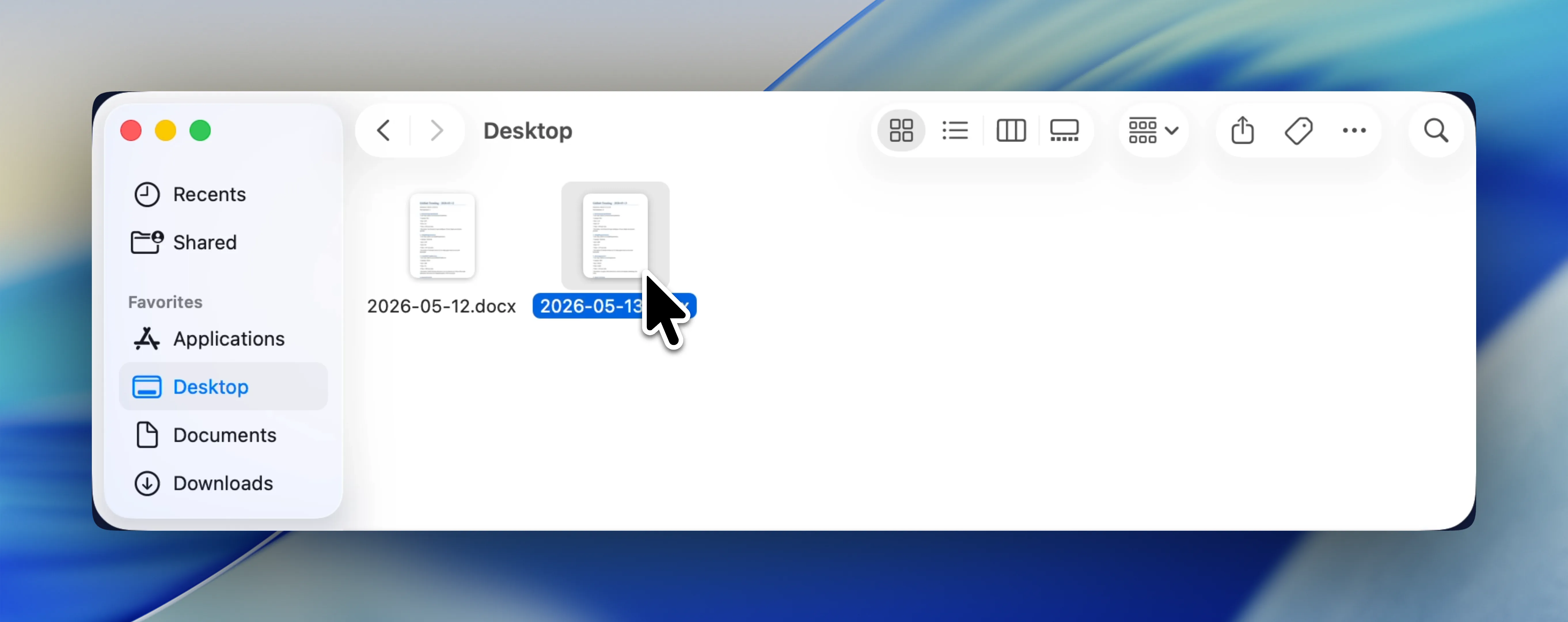
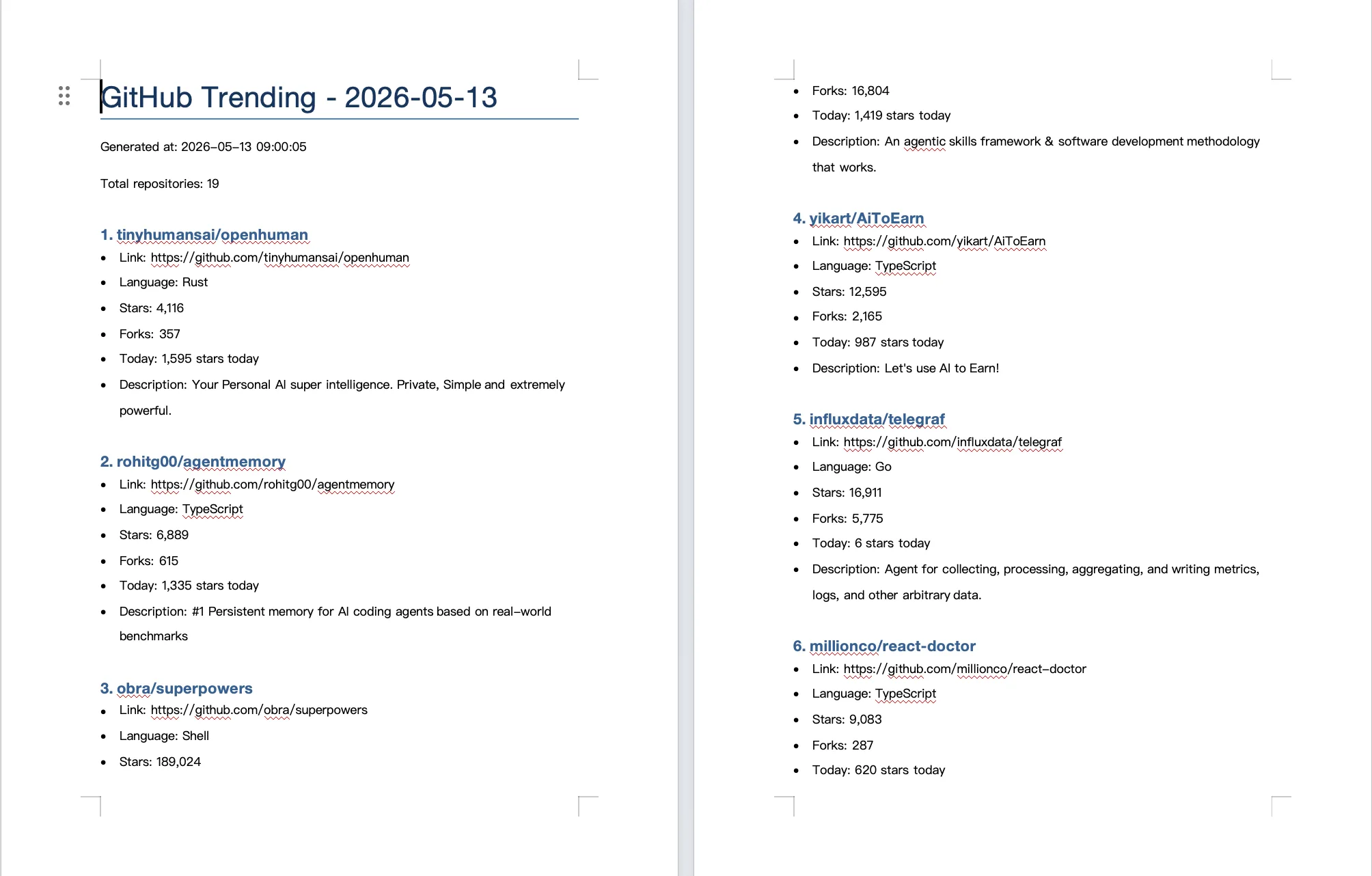
Example: Create a scheduled task to scrape GitHub trending rankings at 9 a.m. every day, organize the content into a document, save it to the desktop, and name the file automatically by date.
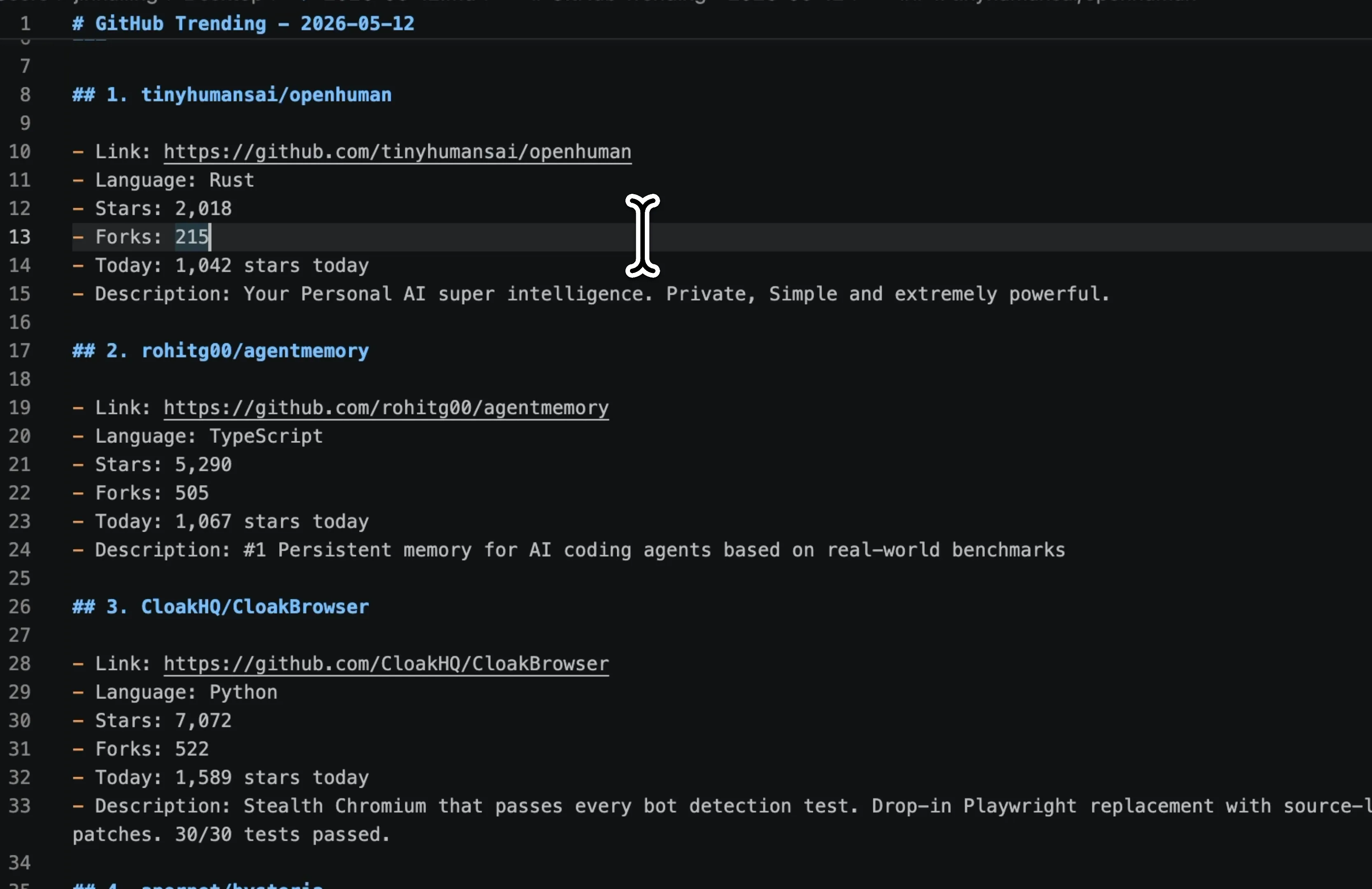
Step 2: Run a test
Start a test run to check the data scraping results and content layout, and confirm whether the output meets your expectations. You can also set the execution frequency to every minute to quickly verify whether the schedule works properly.
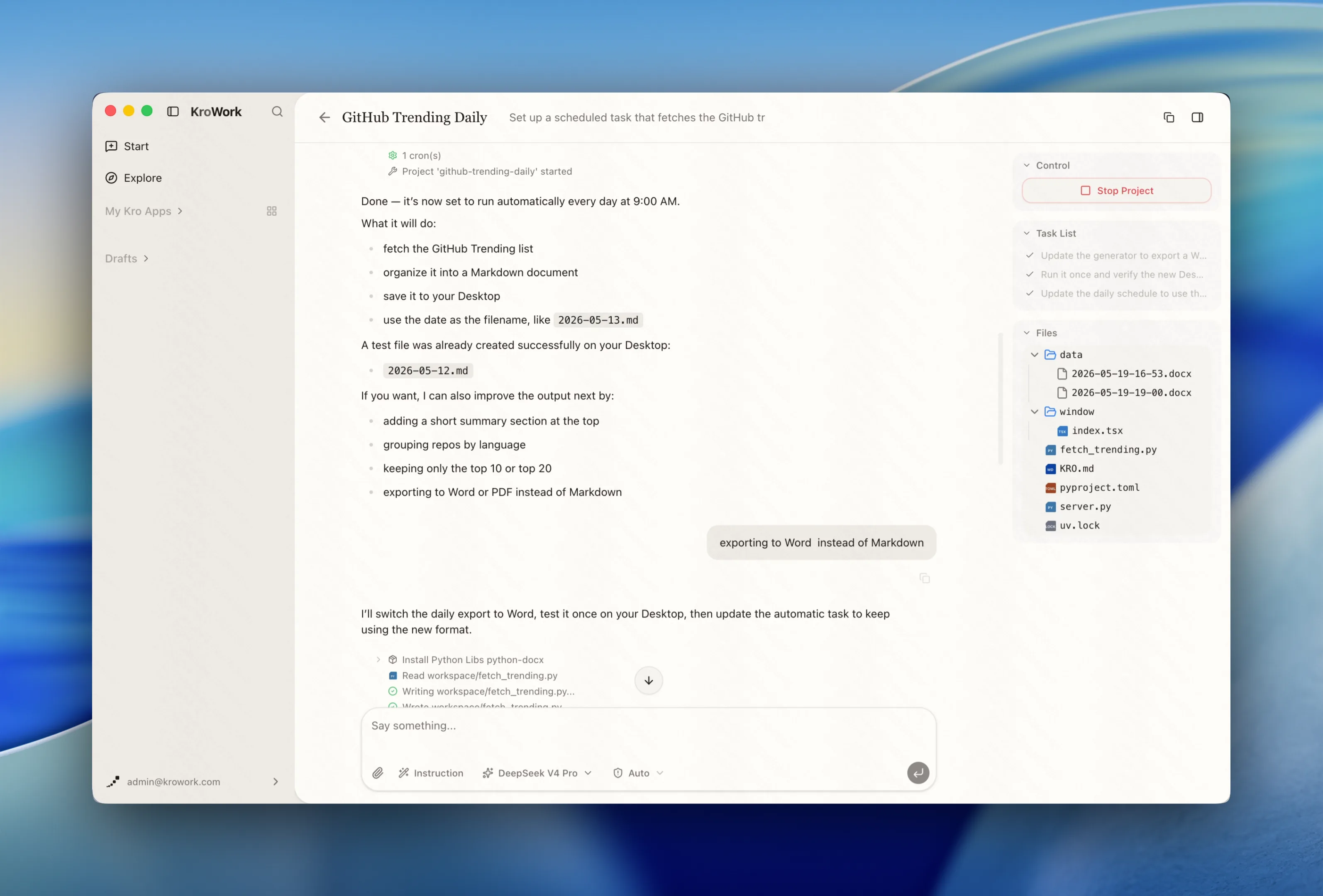
Step 3: Select the file output format
Choose the save format for documents generated by the task according to your needs.
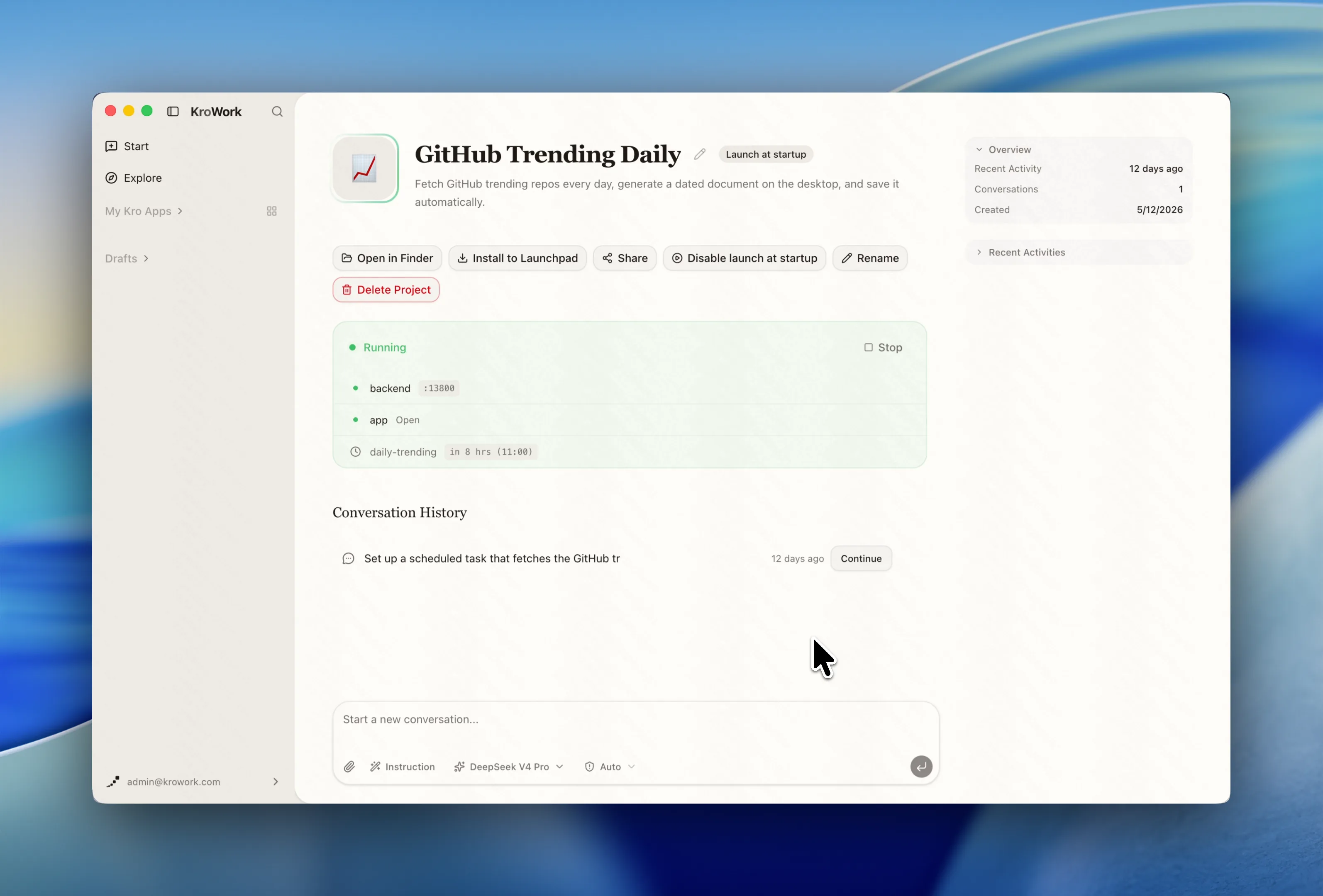
Step 4: Let KroWork run automatically
Once everything is set up, leave the rest to KroWork. The platform will run the task automatically at the scheduled time. You only need to open the designated folder to view the updated document files.
Say goodbye to repetitive data collection and document arrangement. No manual monitoring is required. Hand over all recurring work to KroWork Scheduled Tasks: configure with one click, run automatically, and free up your time for what matters.